Labels

Previous Posts

Showing posts with label XB2002. Show all posts

Friday, 19 April 2013

XB2002 - Video Game Assets

We were given a new assignment which was to create a level using modular assets as well as a few unique assets which we were to use in conjunction with XB2001.

As stated in XB2001, I went for a sci-fi horror game that took place within a massive tower-like structure and I looked at a range of different material and produced a couple moodboards.


Initially I began modelling right away without really thinking and just winged it more or less and ended up with something a little bit dull and something that was very star wars-y which wasn't something that I wanted to go for.


So I then began modelling simpler more square like things with right angled corners etc, which produced some interesting results that I eventually went with.


At one point my level had a wall that had been damaged by an explosion so I had to then merge t2 walls together and then cut through them.

Red object is the custom collision for use within UDK

Doorway Tests

I ended up with 3 levels of wall models, bottom, middle and top as I knew my level had varied wall height, and with all these pieces I would be able to create the majority of my level and so quickly did a couple of tests to make sure they were all snapping together properly.


After which I then realised I had stairs within my level which I then created using 2 Doorway models and slowly linked the 2 together with steps.


You can see the ramp which I used as custom collision for exporting to UDK

Stairs are really really hard to make as it turns out however I feel that they turned out quite alright.
I was also able to use these stairs as a template for any other ramps or wide star cases I had to make later on.

Again you cans see the red object which was the custom collision for UDK.

After I had created the my modular assets that would allow me to add my custom models to my level in XB2001 I then textured these assets and created some extra ones which I am quite proud of.


Note that I just textured the underside of the floor so it could be used as a ceiling as well.


The Tower building which can be seen from the outside and how much bigger it is in comparison to the other models, only 6 tris as well.


I was quite happy with the amount of assets I created for this project however I felt that it was a bit too much and that I aimed too high and would have been better off creating a shorter level and including a shorter asset list as I unfortunately wasn't able to bring all of my own assets into the game's level in time for the hand in.


Monday, 25 February 2013

XB2002 - Spaceship Interior

After creating the assets from the texture sheet all I had to then do was import them and arange them around to fit nicely and add lights.


I really enjoyed creating the scene within udk as everything snapped nicely to the grid and it was very quick and easy to create. However there were some complications, such as the assets needing rescaling once they were all imported and then they were off the grid afterwards. Additionally I really hadn't thought out the corner pieces properly as they really should've bent around the corners, linking the 2 wall panels together, rather than just boxes sitting there.

Monday, 11 February 2013

XB2002 - Spaceship Interiors Created

Upon deciding what I wanted my ship to look I then set upon creating the texture sheet I was going to create my modular assets with. For this I looked a range of sources such as ship interiors from Star Wars and Battlestar Galactica to give my spaceship a very industrial look and feel to it.


From this texture sheet I have a door, 3 lower wall components, along with 3 main wall and higher wall components, as well as a corner piece, a wall light component and finally 2 roof components, one with a light and one without.

3D modular assets ready to be exported into udk


I was very happy with how my assets turned out and was very excited to export them into udk and get creating my ship. Sadly however there were some issues with certain faces not being present on some assets whilst others had a completely broken pivot that was miles away from the actual object. It appeared that udk doesn't like planes for some reason so I had to add a bit of thickness to all of my assets and I then just moved the pivots myself using the grid within udk so that everything snapped together nicely.

Simple corridor in editor

I was very happy with the way the corridor came out, however when I preview it everything is quite big so I think I shall scale everything down once I've pieced everything together. Additionally I may have to rethink my corner piece as I think currently it might be a little thin to act properly as a corner piece but I guess we shall just have to see.

Thursday, 31 January 2013

XB2002 - Spaceship Interiors Research

After creating some modular assets within 3DS Max and extracting them to UDK to create structures we were then tasked with creating our own hand painted texture sheet from which we would then create modular assets from.

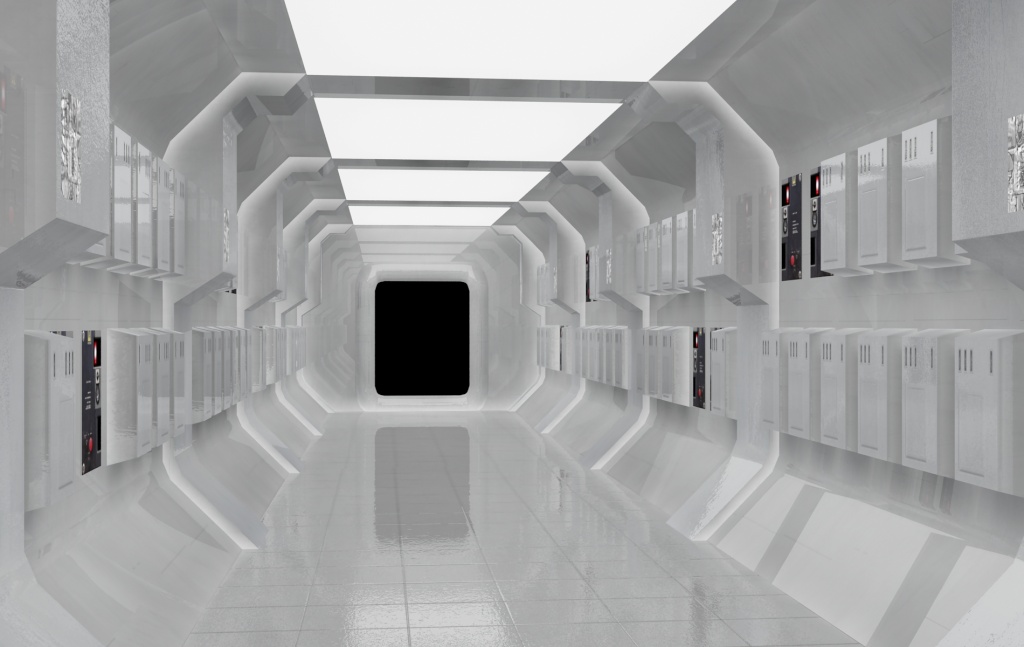
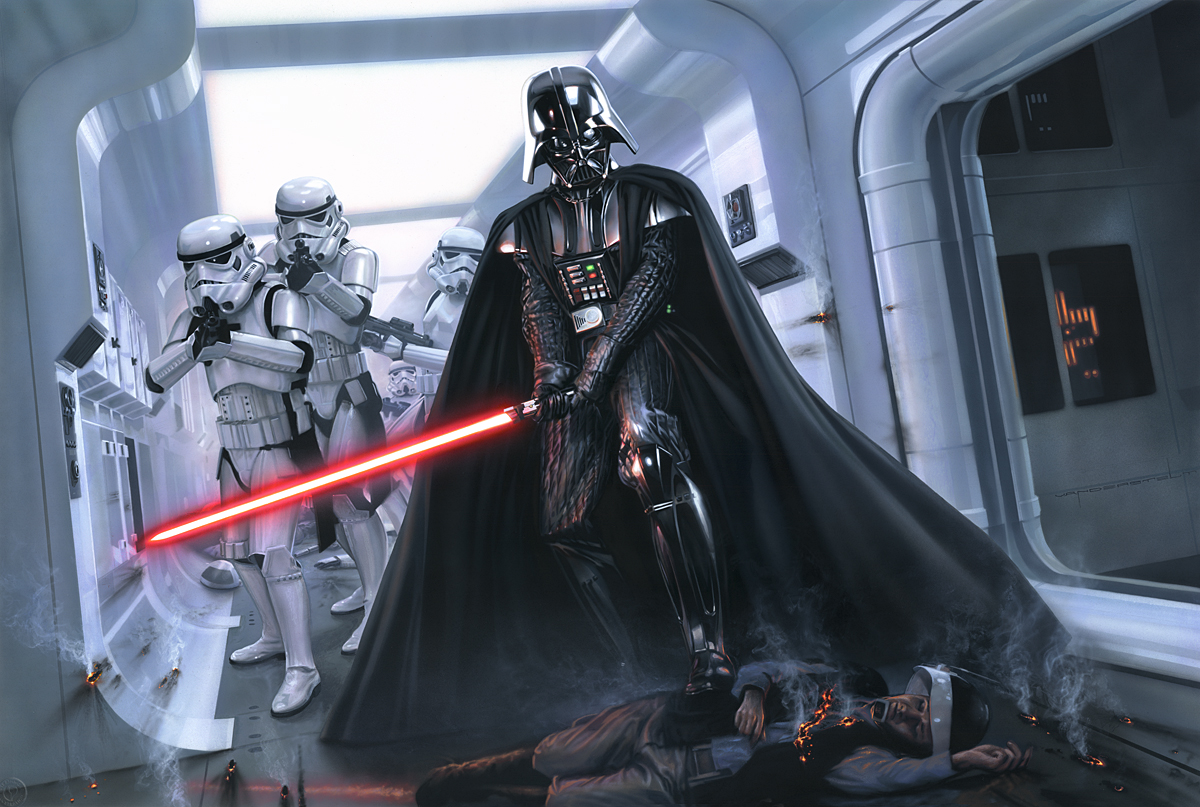
I began looking at spaceship interiors from multiple different franchises and IPs and being a huge Star Wars fan I of course looked at ships such as the rebel blockade runner and other ships for inspiration.


I really like the curvature of the walls as they seem a bit more original than the usual angular boring walls and corridors that most sci-fi spaceships would have.


I then also looked at some other references from Battlestar Galactica which has more of an older militaristic, industrial feel to it.


Totally having lights along my walls


Having looked at all these images I think I will take a little something from all of them (some more than others) whilst avoiding having completely dull boring wall pieces

XB2002 - Modular Assets

For this task we had to create modular assets that would be usable within UDK, so that we effectively made the parts for the building such as a wall or a window or a pillar and then pieced them all together to make a building within UDK.

We first created a texture sheet that had windows and walls etc from a photo of a building. Below is the building I chose, which was an interesting task as I had to do a lot of photo editing as the texture sheet couldn't have shadows on it.

Chosen Building

Once the texture sheet was made we then used a grid set up to align all the textures which we then repeated using the same grid technique through 3DS Max and UDK so that everything aligned perfectly.

Extruded Texture Map in 3DS Max
We then extruded the parts out of each piece to make them 3D and rearranged any UVs on the side so that there was no texture stretching. Once the 3D model was fine and there was no more errors I then exported them into UDK and began building.


Although it was done terribly as it is very obvious that they are modular assets and the same static meshes were copy and pasted everywhere I still thoroughly enjoyed using this technique as it was very quick and easy to create a more complicated structure.


Part of the reason why the finished building didn't look so great was due to the fact that I didn't successfully align the static meshes together so there is either texture overlapping or else gaps between the models which is something I now know to avoid.


Overall I was very happy with what I learnt and I thoroughly look forward to creating some more modular assets using a better texture sheet and aligning things properly.